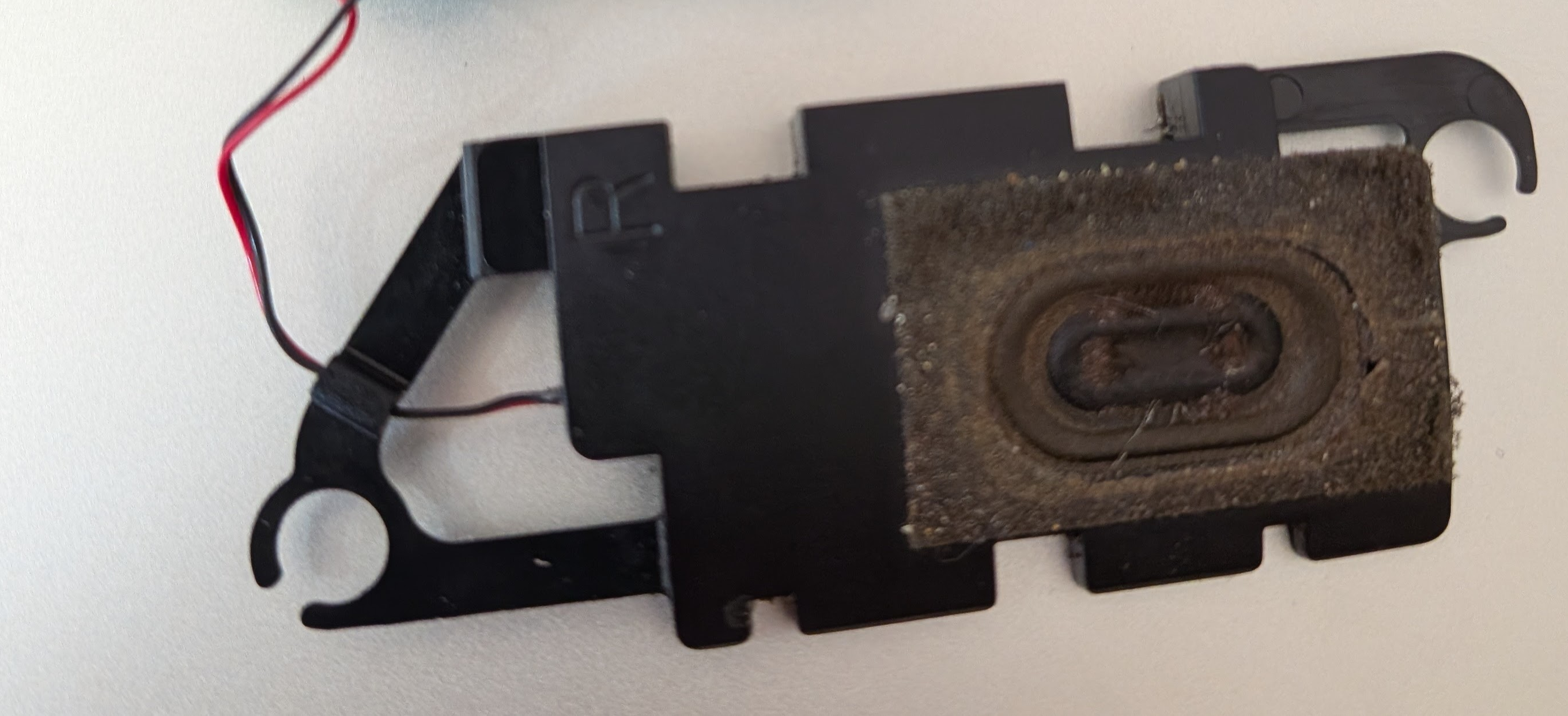
4-8 Ohm Speaker
Passive speaker, any small size
The PAM8403 can drive any speaker between 4 and 8 ohms impedance. Laptop speakers, small hobby speakers, and salvaged speakers all work.
Lower impedance (4 ohm) draws more current and plays louder; higher impedance (8 ohm) is easier on the amplifier. Connect the two wires to LOUT+ and LOUT-.
Testing a speaker with a multimeter
Set your multimeter to resistance (ohms, Ω) - the lowest range, usually 200Ω. Touch the probes to the two speaker terminals. A working speaker reads its rated impedance - typically 4-8Ω. You may see the cone give a small kick as the probes make contact; that's normal.
What the reading means
- 4-8Ω - speaker is good
- 0Ω or very close to 0 - voice coil is shorted, speaker is dead
- OL / open loop / infinite - wire is broken or voice coil is burnt out, speaker is dead
- Anything in between - note that AC impedance at audio frequencies is slightly higher than the DC resistance your multimeter reads, so a nominal 8Ω speaker often reads 6-7Ω on a multimeter - that's fine
Quick continuity check
If your multimeter has a continuity / beep mode, use that instead. Touch probes to the terminals - a beep means the coil is intact. No beep means open circuit (dead speaker). This is faster than reading ohms when you just want a pass/fail result.
Key details
- 4 ohm - louder, draws more current
- 8 ohm - safer for the amp, slightly quieter
- Any physical size works - bigger cone = more bass
- Connect to PAM8403 LOUT+ and LOUT-
- Polarity just affects phase, not function