Memory • ESP32
Installing the LittleFS Plugin
Part of the ← ESP32 LittleFS guide
Installing the Plugin
To get files from your computer onto the board you need the LittleFS Uploader plugin for Arduino IDE 2.x. Install it once:
-
Go to github.com/earlephilhower/arduino-littlefs-upload. Scroll down until you see the Installation section and click it to jump straight there.
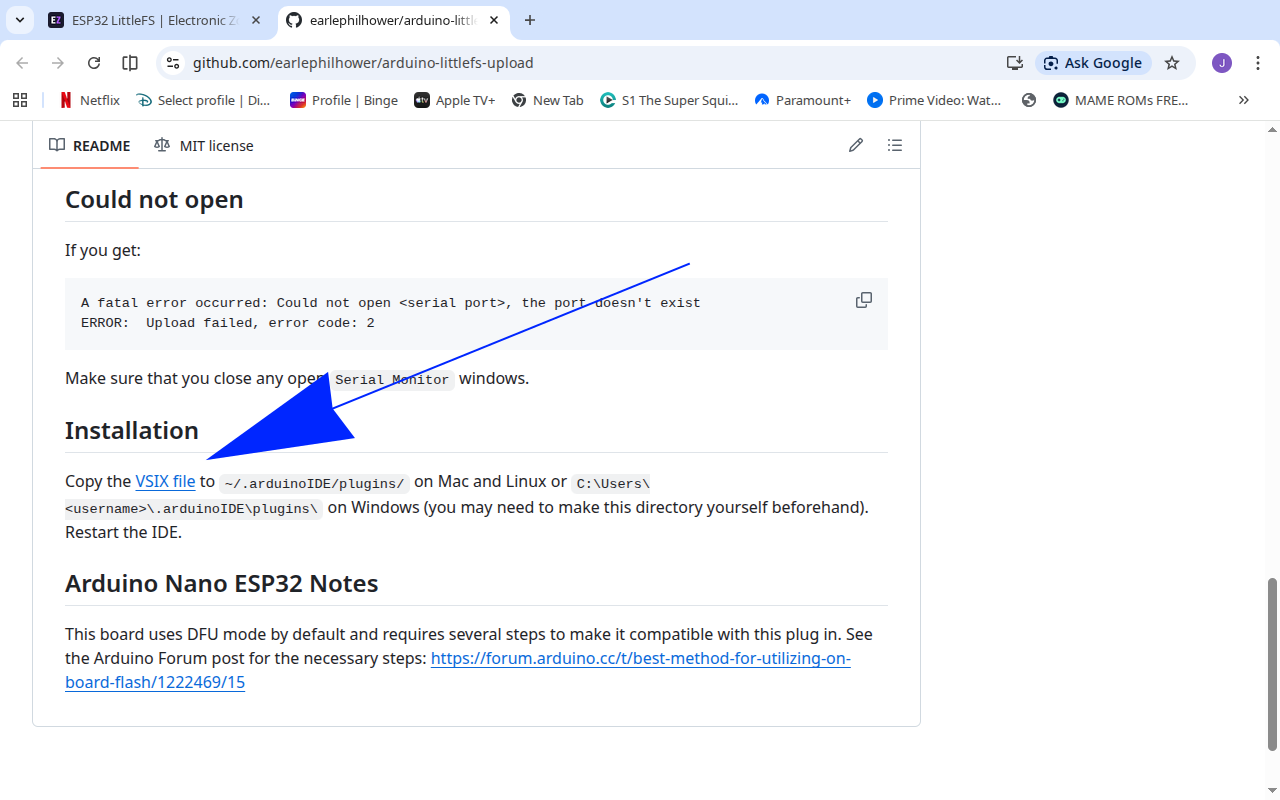
GitHub can be overwhelming if this is your first visit.
-
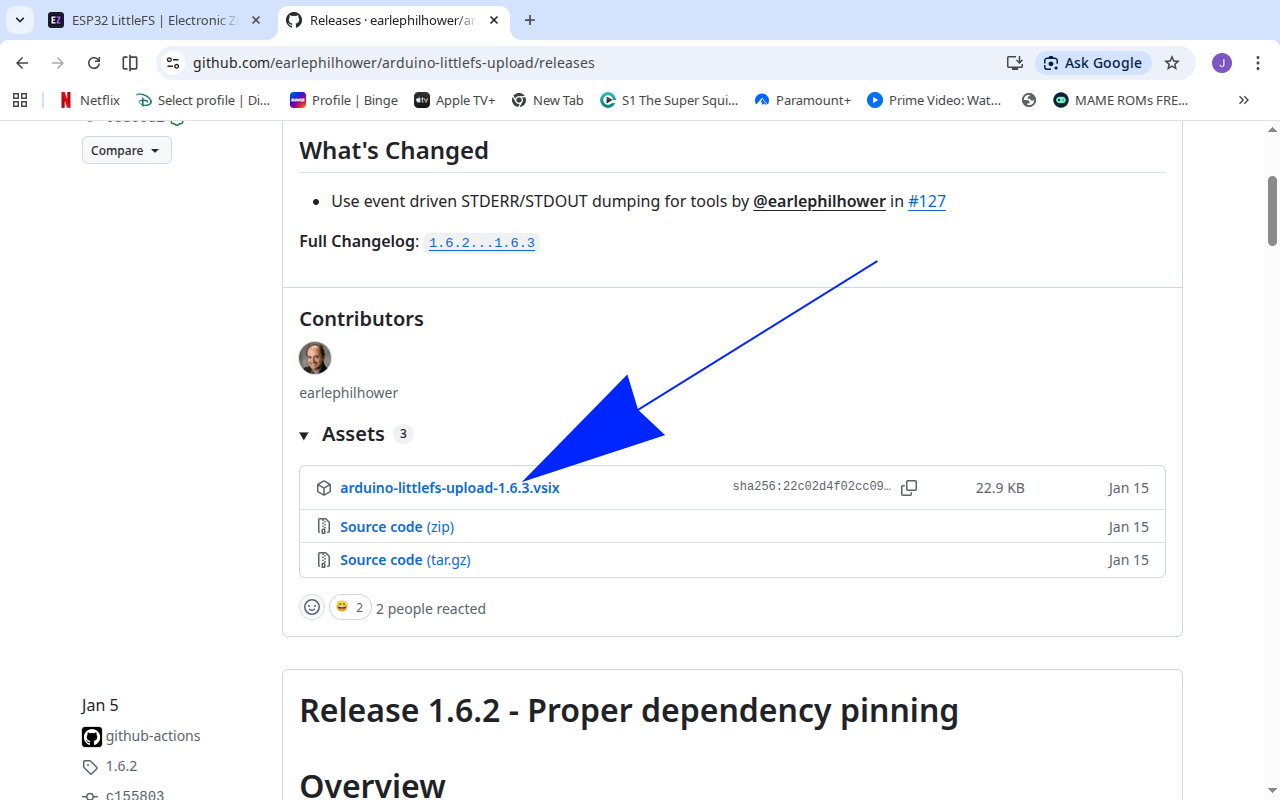
Scroll down until you see this and click to download.
-
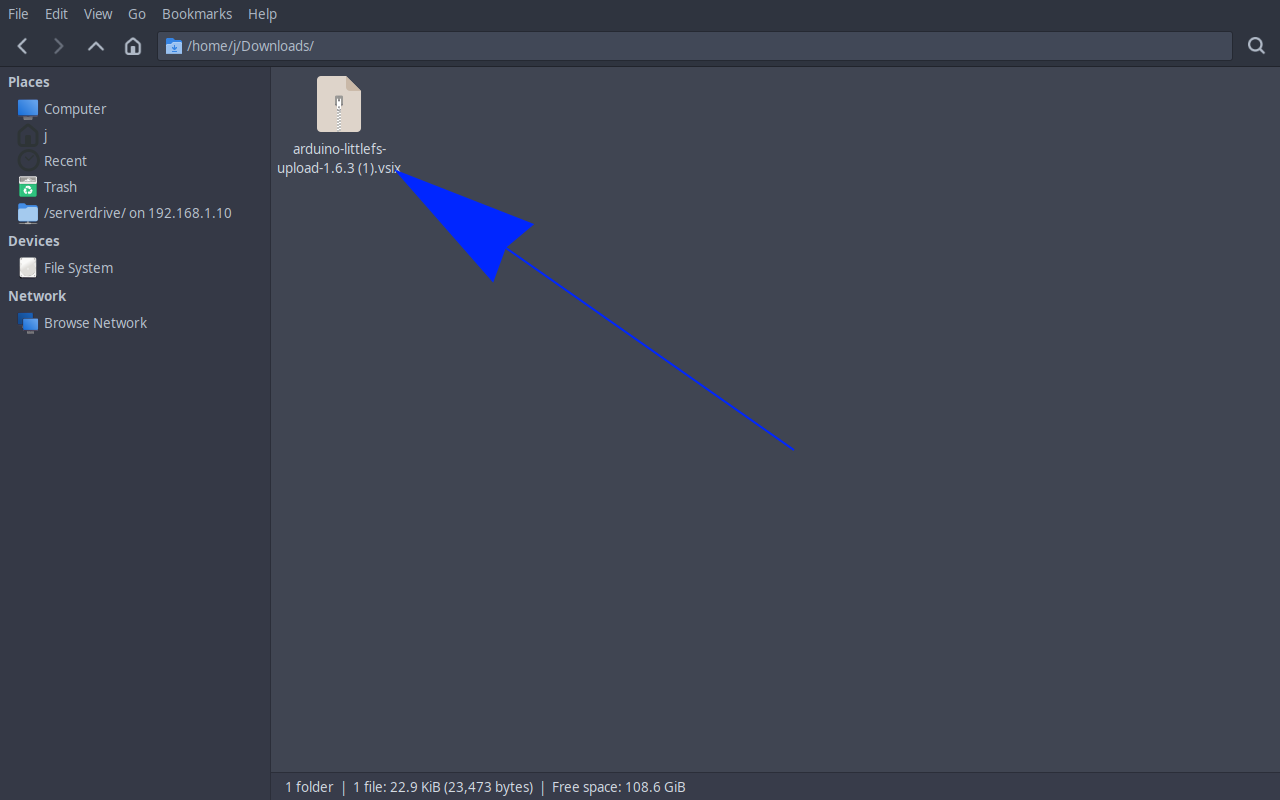
You should see a zipped folder in your Downloads.
-
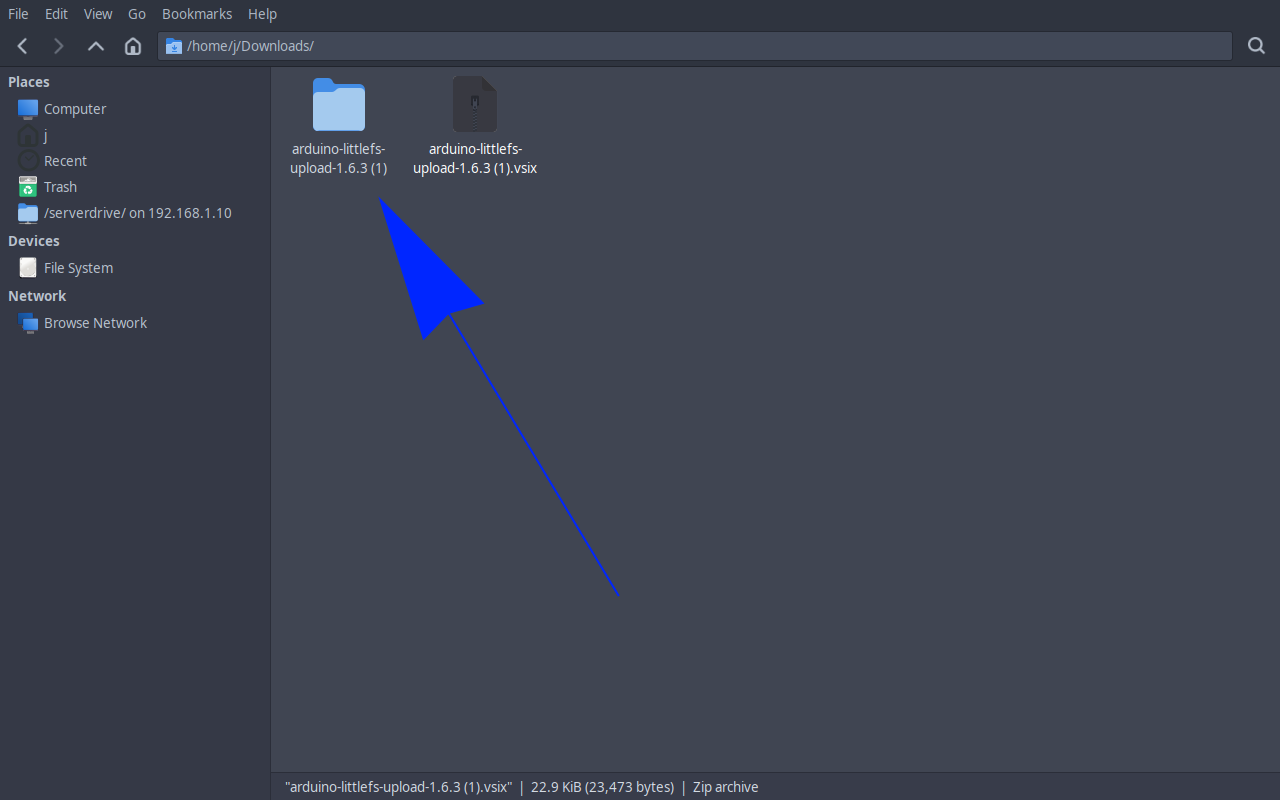
Unzip it - a folder will appear alongside the zipped folder.
-
Navigate to your home folder. You need to find the
.arduinoIDEfolder - you may need to show hidden folders first (Ctrl+Hon Linux). Inside it, create apluginsfolder if it does not exist.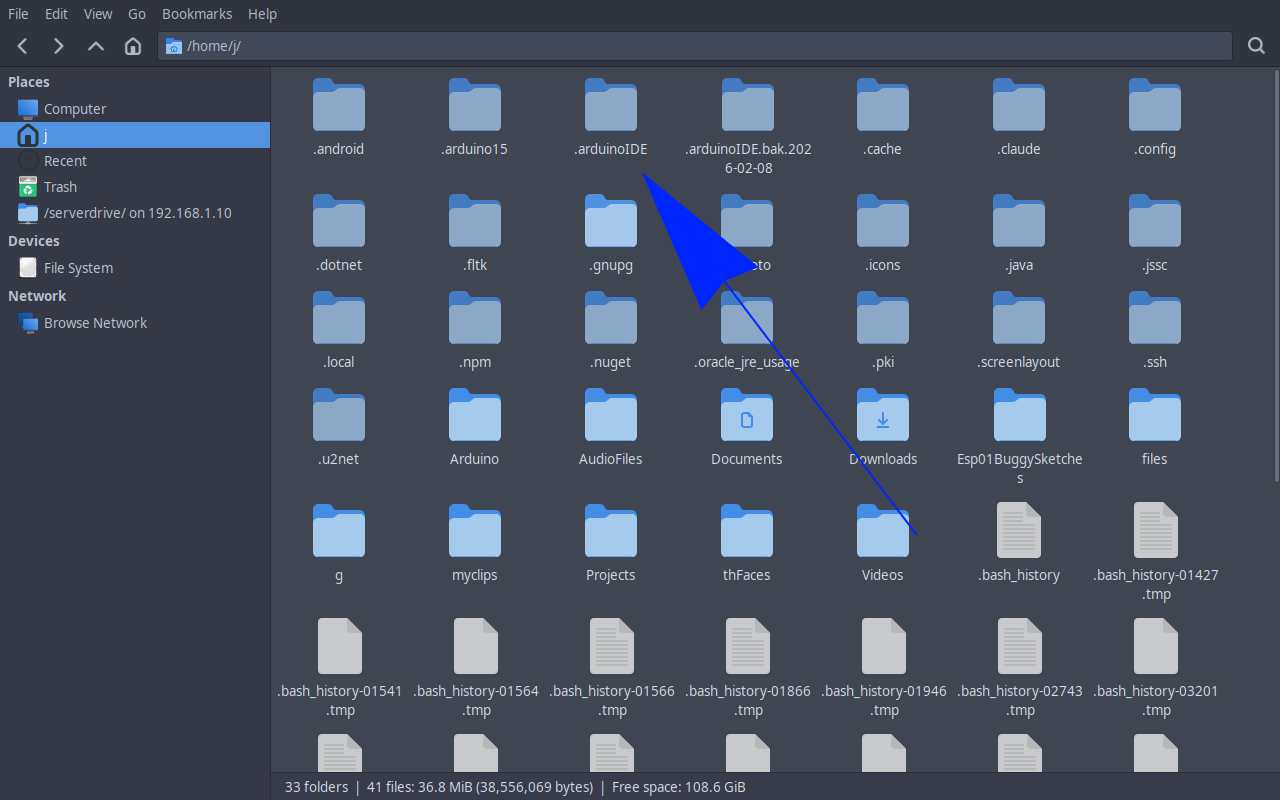
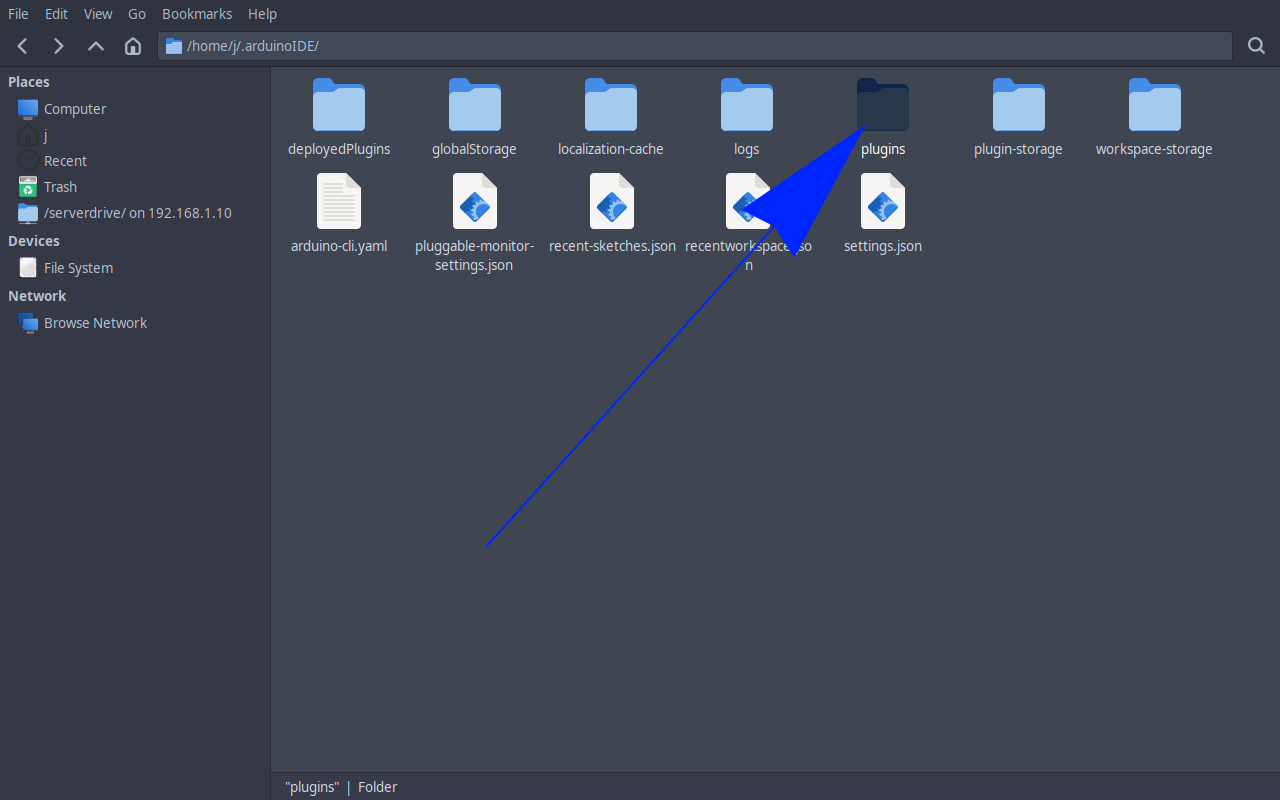
-
Copy the
.vsixfile into thepluginsfolder. Restart Arduino IDE.